Look up a caller ID name for free
See the caller ID name, spam risk, carrier and line type for a number, free, with no account.
Read the video’s transcript
Here’s how to look up a caller ID name for free.
Want to know who’s calling? Open our free caller ID lookup.
Type the phone number, and select Look up free.
You’ll see the caller ID name, a spam risk score, and the carrier.
Free lookups have a small daily limit. For the person’s name, address and credit score, start a plan.
Still stuck? Our team is happy to help. Just contact Support.
Step by step on a computer
-
Go to the free caller ID lookup page.
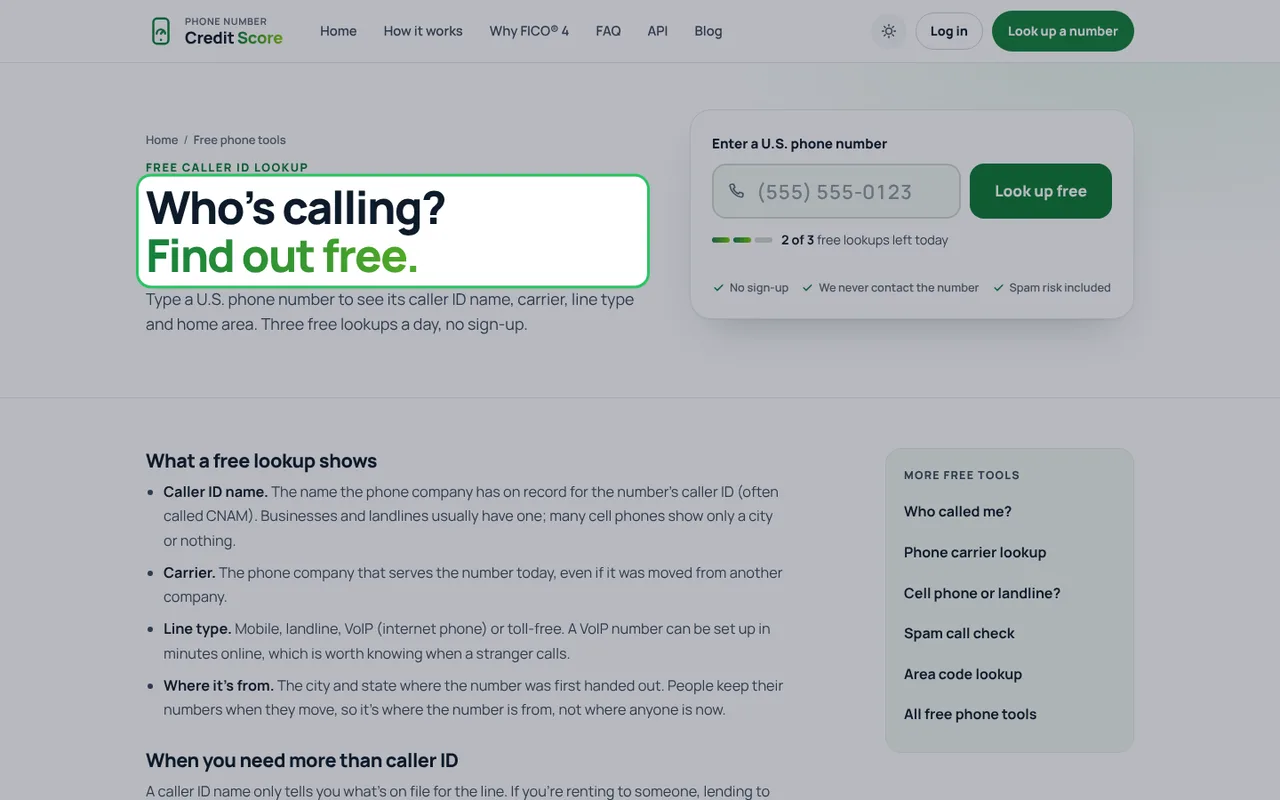
-
Type the phone number and select Look up free.
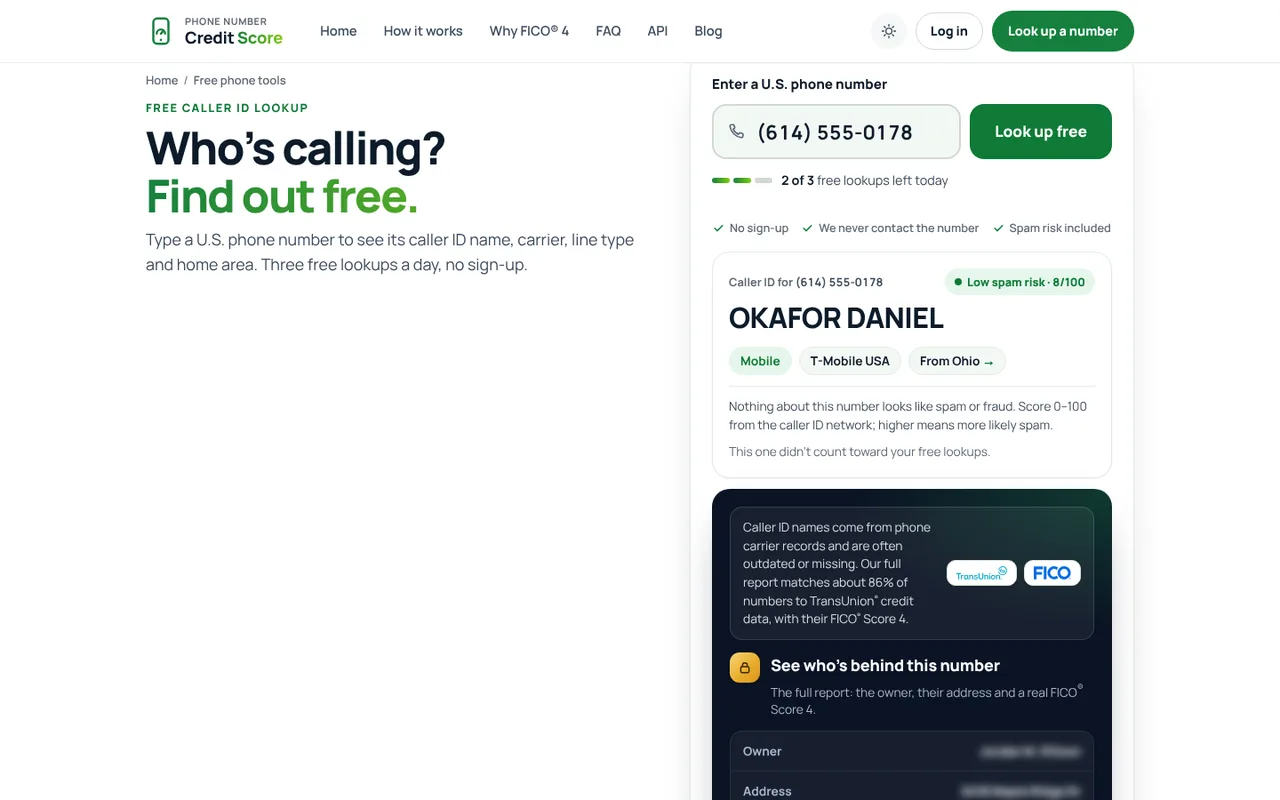
-
You’ll see the caller ID name, a spam risk score, and the carrier and line type.
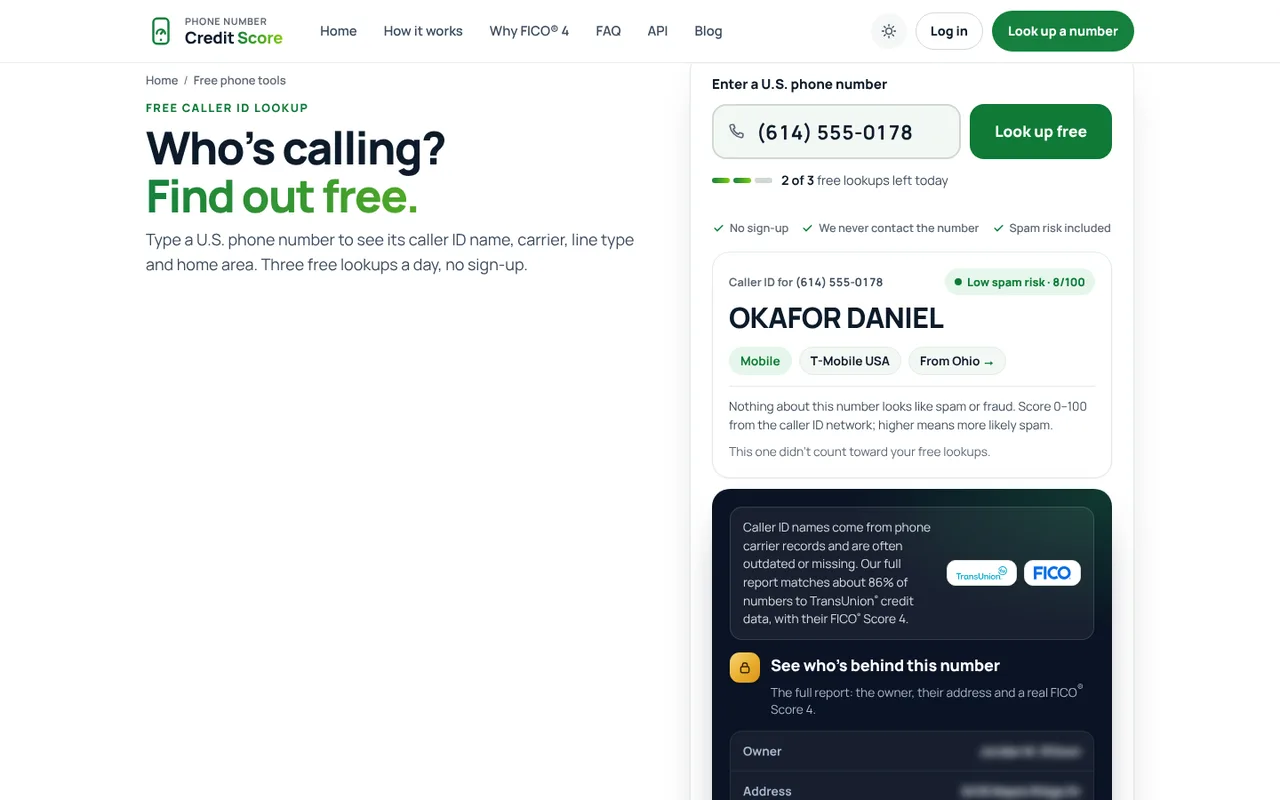
-
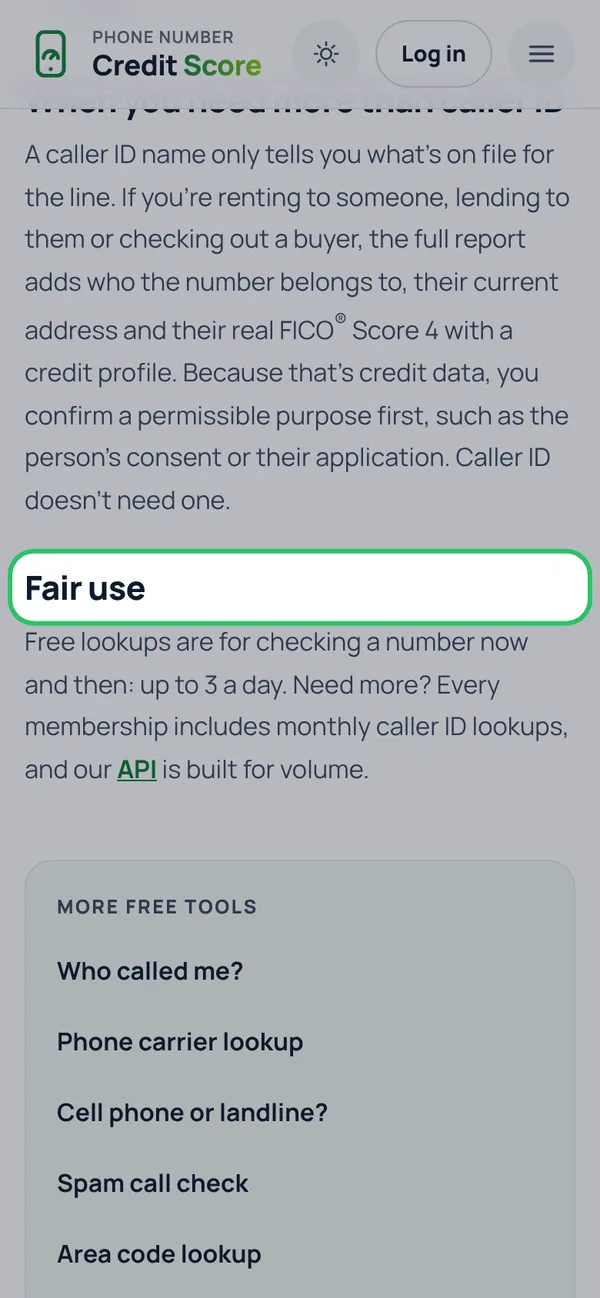
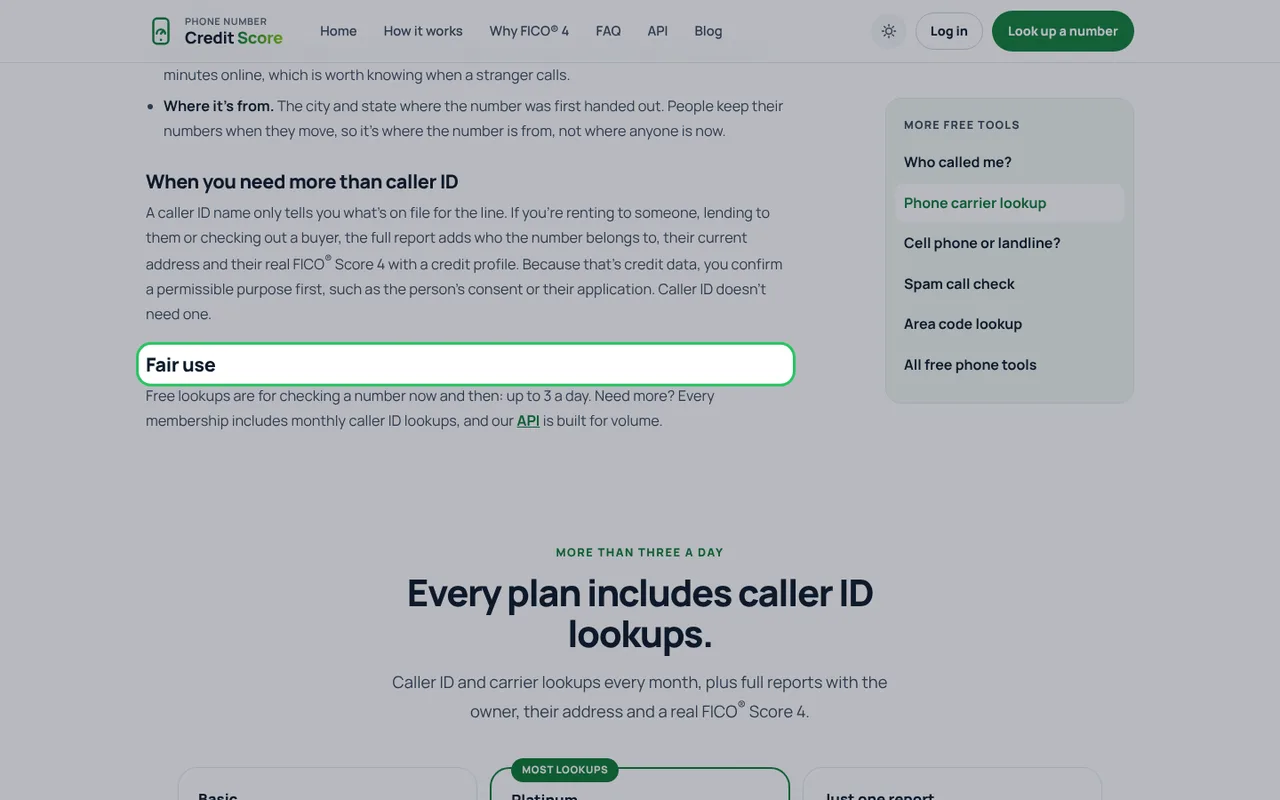
Free lookups are for fair, everyday use, so there’s a small daily limit. Need more, or the person’s name, address and credit score? A plan includes those.
Read the video’s transcript
Here’s how to look up a caller ID name for free.
Want to know who’s calling? Open our free caller ID lookup.
Type the phone number, and tap Look up free.
You’ll see the caller ID name, a spam risk score, and the carrier.
Free lookups have a small daily limit. For the person’s name, address and credit score, start a plan.
Still stuck? Our team is happy to help. Just contact Support.
Step by step on a phone
-
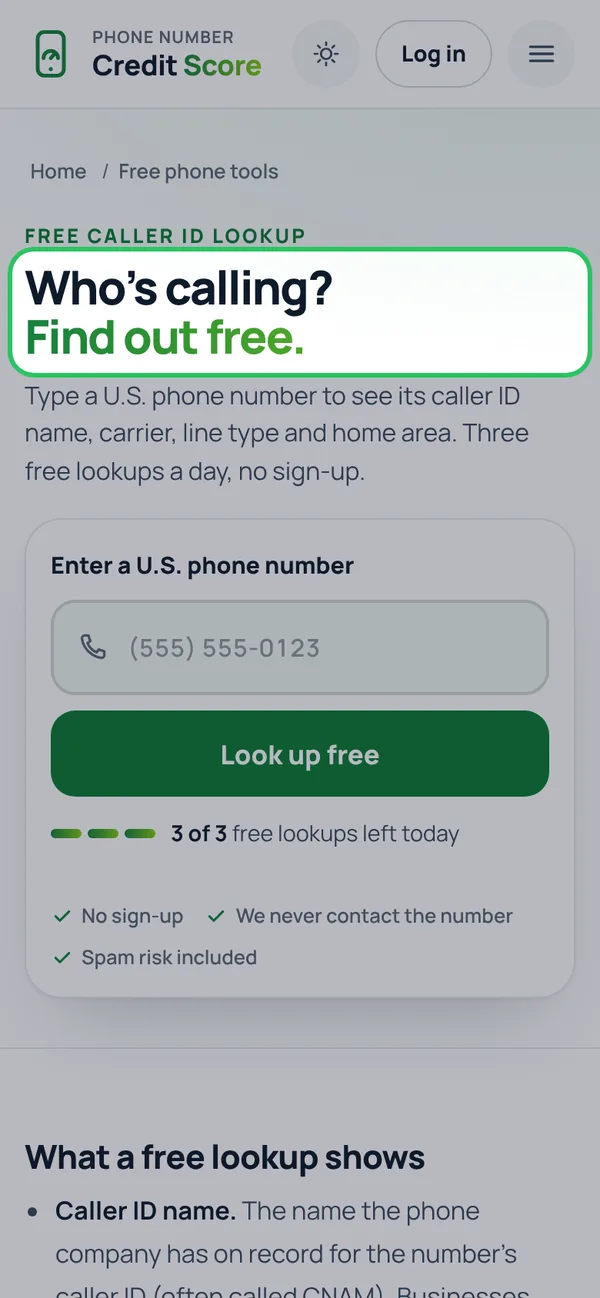
Go to the free caller ID lookup page.
-
Type the phone number and tap Look up free.
-
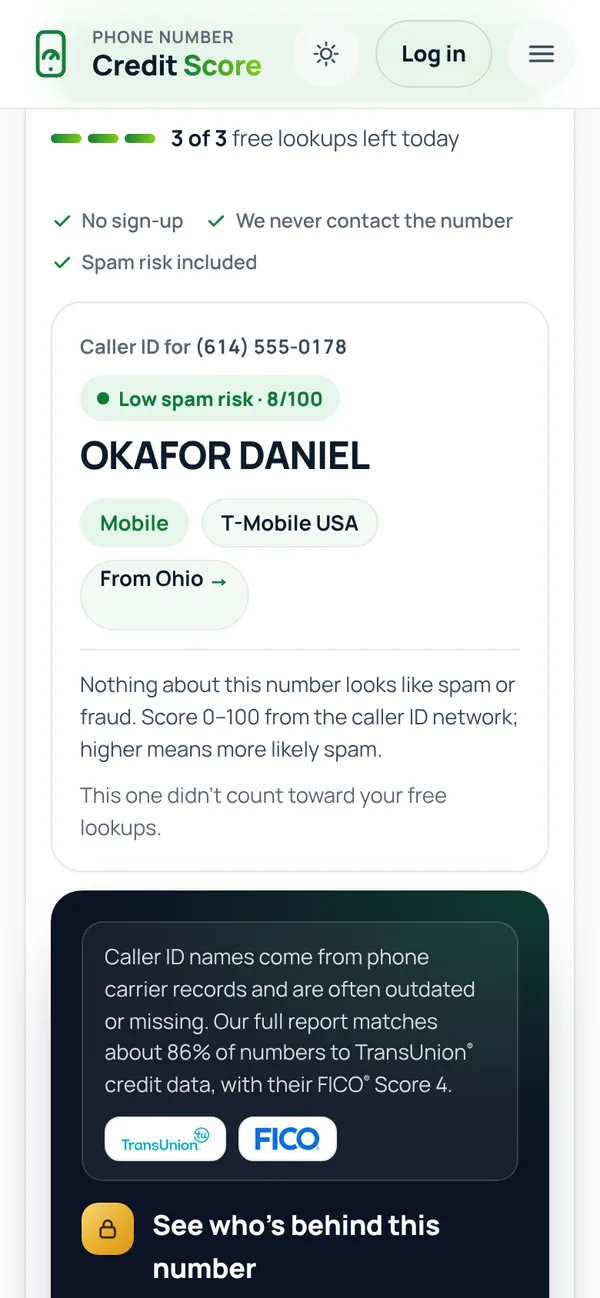
You’ll see the caller ID name, a spam risk score, and the carrier and line type.
-
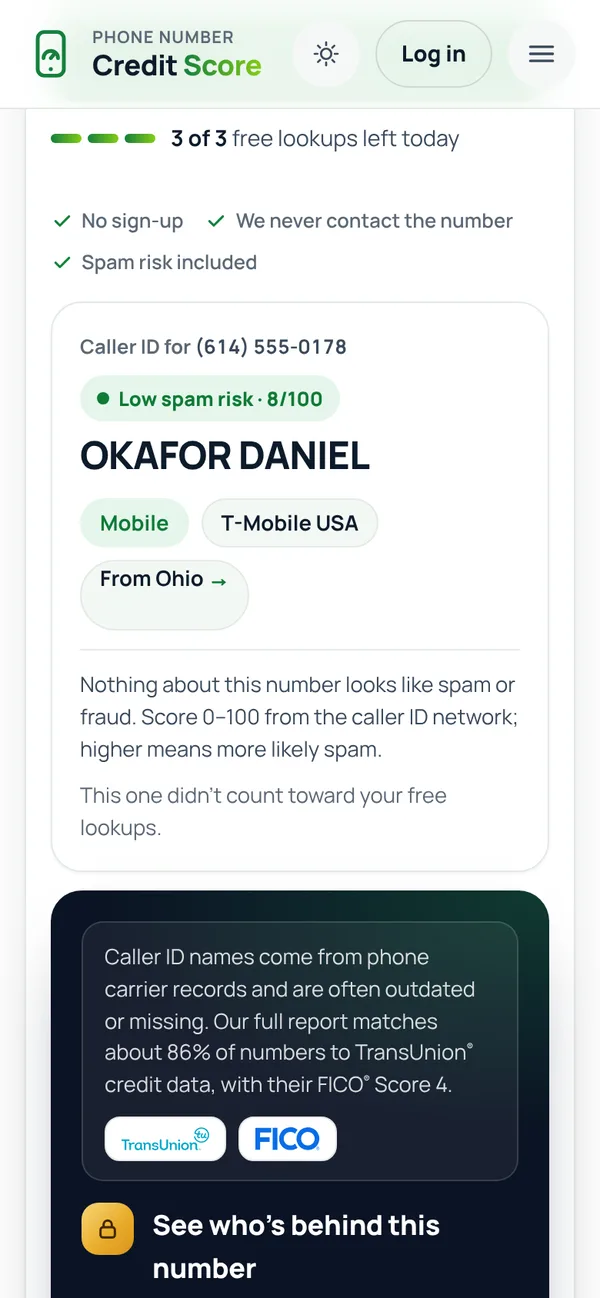
Free lookups are for fair, everyday use, so there’s a small daily limit. Need more, or the person’s name, address and credit score? A plan includes those.